The Ultimate Field Sales Technology FAQ: 40 Questions Answered

Field sales technology has transformed the way organizations manage their sales teams, customer interactions, territory coverage, and business performance. Traditional methods such as paper-based reporting, spreadsheets, manual attendance tracking, and disconnected communication channels often create inefficiencies that limit growth and visibility.
Today, businesses across FMCG, pharmaceuticals, consumer goods, manufacturing, distribution, and B2B industries are increasingly adopting field sales management software and sales force automation solutions to streamline operations and improve productivity.
From GPS tracking and route planning to order management, reporting, analytics, and AI-driven insights, modern field sales technology helps organizations make faster decisions and achieve better sales outcomes.
This comprehensive FAQ guide answers 40 of the most commonly asked questions about field sales technology, helping business owners, sales managers, and field teams understand how to select, implement, and maximize the value of field sales software.
Choosing a Field Sales Tool
Selecting the right field sales tool is one of the most important decisions for any organization managing field teams. The right solution can improve productivity, visibility, reporting accuracy, customer coverage, and overall sales performance. However, choosing a platform requires careful evaluation of business requirements, scalability, usability, and long-term value.
The following FAQs explain the key considerations organizations should evaluate before investing in a field sales management solution.
1. What Should a Company Look for When Choosing a Field Sales App?
Choosing the right field sales app requires evaluating both current business needs and future growth requirements. A solution should be easy to use, scalable, and capable of supporting daily field operations efficiently. Businesses should also assess whether the platform supports field force management, sales activity tracking, and seamless mobile workforce management.
Key Evaluation Factors:
- Ease of use and user adoption
- GPS tracking and attendance management
- Order management capabilities
- Reporting and analytics features
- Mobile accessibility and offline functionality
A well-designed field sales management app should simplify operations while improving visibility and accountability across the sales organization through real-time sales tracking and field employee monitoring.
2. What Is the Difference Between a Field Sales App and a Sales CRM?
A sales CRM primarily focuses on managing customer relationships, leads, opportunities, and sales pipelines. A field sales app focuses on managing field execution activities such as attendance, route planning, outlet visits, order collection, and field reporting. While a CRM helps manage customer lifecycle management and sales pipeline tracking, a field sales app supports sales route planning and field team tracking.

Key Differences:
- CRM manages customer relationships
- Field sales app manages field operations
- CRM supports pipeline management
- Field sales app supports execution tracking
Many organizations integrate both systems to create a complete sales management ecosystem that combines customer relationship management software with sales force automation software.
3. What Features Are Must-Have vs. Nice-to-Have in a Field Sales Tool?
Not all features provide equal business value. Organizations should prioritize functionality that directly supports field productivity and operational control. Features that improve sales team productivity and field sales execution should be considered essential.
Must-Have Features:
- GPS attendance tracking: Ensures real-time field workforce visibility, accurate location capture, and attendance verification.
- Route and beat planning: Optimizes daily travel routes, improves coverage efficiency, and reduces travel time.
- Order management: Enables seamless order capture, faster processing, and improved sales execution accuracy.
- Visit reporting: Provides structured field visit records, enhances accountability, and improves performance tracking.
- Dashboard reporting: Delivers real-time sales insights, performance metrics, and data-driven decision-making support.
Nice-to-Have Features:
- AI recommendations: Offers intelligent insights, improves decision-making, and enhances sales opportunity identification accuracy.
- Advanced analytics: Provides deep performance analysis, trend insights, and strategic sales forecasting capabilities.
- Chat integration: Enables instant communication, improves collaboration, and enhances field team coordination efficiency.
- Voice commands: Allows hands-free operation, faster data entry, and improved usability for field agents.
- Predictive forecasting: Estimates future sales trends, supports planning, and improves inventory and demand management.
Modern organizations increasingly prefer solutions that combine field force automation and sales performance analytics to improve decision-making.
4. How Many Employees Do You Need Before a Field Sales App Is Worth It?
A field sales app becomes valuable whenever manual tracking begins creating inefficiencies. Even teams with 5–10 field representatives can benefit from automation. Businesses managing multiple territories often adopt sales tracking software and territory management tools earlier to improve operational visibility.
Factors to Consider:
- Number of field employees
- Customer coverage requirements
- Reporting complexity
- Territory management needs
The larger the team grows, the greater the value generated from field sales automation, sales productivity software, and field workforce management.
5. What Questions Should You Ask a Field Sales Software Vendor Before Buying?
Evaluating vendors carefully helps avoid implementation challenges and unexpected costs. Organizations should assess both platform capabilities and the vendor’s expertise in sales process automation and field sales management software deployment.
Important Questions:
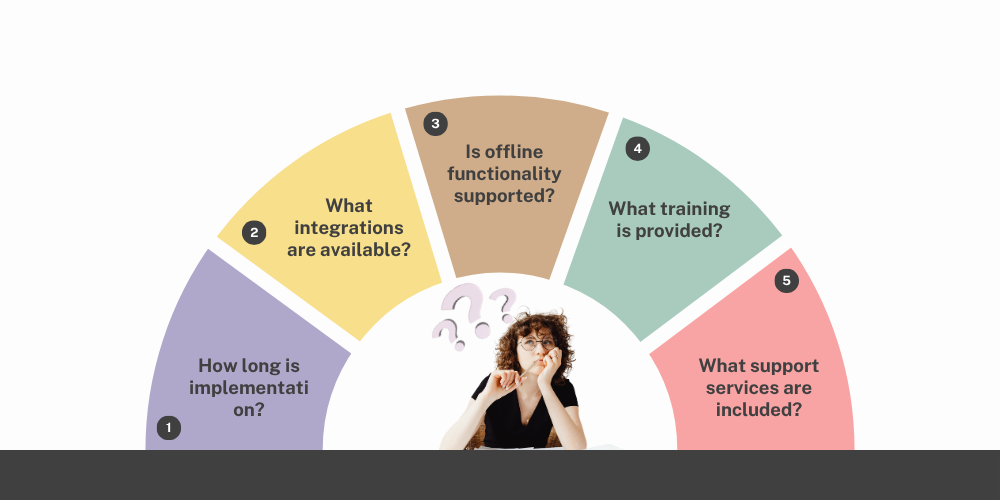
- How long is implementation?
- What integrations are available?
- Is offline functionality supported?
- What training is provided?
- What support services are included?
A thorough vendor assessment helps ensure long-term success while maximizing the benefits of mobile sales applications and field operations management.
6. How Long Does It Typically Take to Implement a Field Sales Management App?
Implementation timelines vary depending on business size, data complexity, and customization requirements. Factors such as sales software implementation, data migration services, and field team onboarding influence deployment speed.
Typical Timelines:
- Small businesses: 1–2 weeks
- Medium businesses: 2–6 weeks
- Large enterprises: 1–3 months
Proper planning significantly improves implementation success and accelerates field sales software adoption and sales automation deployment.
7. What Is the Total Cost of Ownership of a Field Sales App?
Organizations should evaluate both direct and indirect costs. Beyond subscription fees, businesses should consider investments related to sales technology adoption and mobile workforce automation.
Cost Components:
- Software subscription fees
- Implementation expenses
- Training costs
- Device expenses
- Ongoing support fees
Understanding total ownership costs helps businesses calculate ROI more accurately and evaluate the long-term value of field sales software solutions and sales management systems.

8. Should a Company Build a Custom Field Sales Tool or Buy an Existing One?
The decision depends on budget, timeline, and business complexity. Organizations should evaluate whether existing sales automation platforms and field sales applications can meet their requirements before investing in custom development.
Buying Existing Software:
- Faster implementation: Enables quick deployment, immediate usage, and reduced setup delays.
- Lower upfront costs: Minimizes initial investment, reduces development expense, and improves ROI speed.
- Proven functionality: Offers tested features, stable performance, and reliable real-world usage.
Building Custom Software:
- Greater flexibility: Allows tailored features, unique workflows, and full business customization control.
- Higher development costs: Requires significant investment, ongoing maintenance, and dedicated technical resources.
- Longer deployment timelines: Involves extended development cycles, testing phases, and implementation delays.
Most organizations benefit more from established field sales software solutions that already support field activity tracking and sales team management.
9. How Do You Evaluate if a Field Sales App Is Right for Your Industry?
Different industries have unique operational requirements. Businesses should evaluate whether the solution supports industry-specific sales workflows and field execution processes.
Evaluation Areas:
- Industry-specific workflows
- Order management capabilities
- Distributor management support
- Retail execution functionality
- Compliance requirements
Industry alignment improves software adoption, sales workflow automation, and overall business outcomes. It also ensures compatibility with distributor management software and retail sales operations.
10. What Is a Free Trial for a Field Sales App and How Do You Make the Most of It?
A free trial allows organizations to test functionality before purchasing. It provides an opportunity to assess field sales software usability and sales team adoption rates under real-world conditions.
Best Practices:
- Involve actual field users
- Test real-world scenarios
- Evaluate reporting features
- Review mobile performance
- Measure ease of adoption
A structured evaluation process leads to better software selection and helps organizations identify the most suitable sales force automation platform and field sales productivity solution for their business needs.
Implementation & Rollout
Successfully implementing a field sales app requires structured planning, clear communication, effective training, and strong change management. Organizations that execute implementation strategically achieve higher user adoption, smoother sales software deployment, and faster return on investment.
A well-managed rollout ensures minimal disruption to field operations while maximizing productivity, system usage, and long-term value from field sales automation solutions.
11. How Do You Roll Out a Field Sales App Across 100+ Reps?
A phased rollout strategy improves field sales software adoption and strengthens overall sales force automation implementation efforts by reducing resistance, improving usability, and ensuring smoother transition across large field teams.
Recommended Approach:
- Pilot with small groups: Start with selected users to test field sales app performance and identify sales tracking software gaps early.
- Gather user feedback: Collect real field insights to improve mobile sales app usability and enhance field force automation workflows.
- Refine processes: Optimize sales automation workflows and improve field sales management software efficiency for better execution.
- Expand gradually: Scale deployment step-by-step across territories for controlled field sales software rollout and reduced implementation risk.
- Provide continuous support: Offer ongoing training and assistance to strengthen sales force automation adoption and field productivity software usage.
Continuous support ensures long-term success, improves user confidence, and sustains high engagement with the field sales management app.
12. What Is the Biggest Reason Field Sales App Implementations Fail?
Poor field sales software adoption and weak sales force automation engagement are the primary reasons implementations fail, often leading to reduced productivity, low user participation, and failure to achieve expected ROI from digital transformation initiatives. Even well-designed systems struggle when organizations fail to manage people, process alignment, and structured rollout execution effectively.
Most failures arise due to lack of training, complex mobile interfaces, limited management support, resistance to change, and poor communication. Without proper sales app onboarding programs, strong field force enablement, and clear implementation communication strategies, teams fail to adopt the system consistently, resulting in low usage of the field sales management software and weaker overall performance.
13. How Do You Handle Resistance from Field Reps Who Don't Want to Use an App?
Change management is essential for successful field sales software adoption and long-term sales force automation success. Resistance is common in digital transformation, so structured adoption strategies improve acceptance and usability across field teams.
Adoption Strategies:
- Explain business benefits: Clearly communicate sales productivity improvements and field sales tracking advantages to build trust and acceptance.
- Provide practical training: Deliver hands-on mobile sales app training and field force automation guidance to improve confidence and usability.
- Gather employee feedback: Use real-time insights from field sales software users and improve sales automation workflows continuously.
- Recognize early adopters: Encourage motivation through sales performance recognition and promote field sales app champions across teams.
- Offer ongoing support: Ensure continuous field sales management support and strengthen sales force automation adoption through assistance and troubleshooting.
14. What Data Needs to Be Migrated Before Going Live on a Field Sales App?
Accurate sales data migration supports smooth field sales software implementation and ensures uninterrupted sales force automation workflow during go-live, improving data consistency and operational continuity.
Key Data:
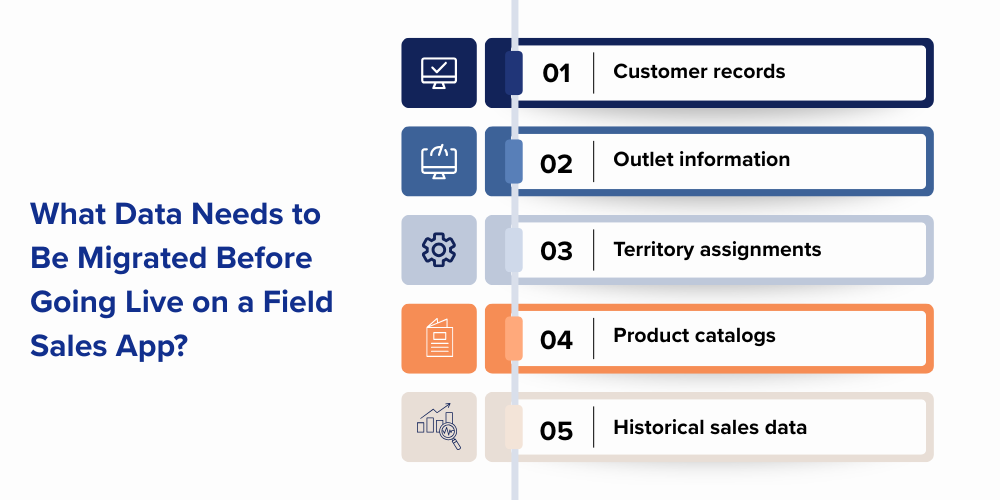
- Customer records: Enables accurate CRM integration and strengthens customer relationship management systems for better sales tracking.
- Outlet information: Supports field sales mapping and improves territory management software accuracy for better coverage planning.
- Territory assignments: Ensures structured sales force allocation and improves field team management efficiency across regions.
- Product catalogs: Maintains accurate order management systems and supports seamless sales automation workflows.
- Historical sales data: Enables sales analytics reporting and improves forecasting accuracy for better decision-making.
15. How Do You Create an Outlet/Retailer Database from Scratch for a New App?
A structured retailer database is essential for effective field sales management software and accurate sales territory optimization, improving visibility and execution efficiency across field operations.
Required Information:
- Outlet name: Helps in retail outlet tracking and improves field sales database accuracy for structured reporting.
- Location details: Enables GPS-based tracking and supports route planning optimization for field representatives.
- Contact information: Improves sales engagement tracking and strengthens customer communication management systems.
- Outlet category: Supports customer segmentation strategies and enhances sales analytics and reporting insights.
- Sales potential: Helps in demand forecasting models and improves territory prioritization planning.
16. How Long Does It Take Field Reps to Get Comfortable with a New Sales App?
User adoption depends on mobile sales app usability, sales force automation training quality, and structured onboarding. With proper implementation of field sales management software, most field reps become comfortable within a few weeks and gradually improve productivity through consistent usage.
A well-planned rollout supported by sales tracking software and strong managerial guidance ensures faster adoption, better engagement, and smoother transition into digital field operations.
Typical Timeline:
Initial learning: 1 week: Users understand navigation and basic field sales app features, building early confidence in the system.
Basic proficiency: 2–4 weeks: Field reps start handling orders and reports using sales force automation tools effectively.
Full adoption: 1–3 months: The app becomes part of daily workflow, improving efficiency through field sales software usage and automation.
17. What Training Format Works Best for Field Sales App Adoption?
A blended learning approach improves field sales software adoption rates and enhances sales force automation training effectiveness across diverse field teams.
Effective Methods:
- Classroom training: Builds foundational understanding of field sales management systems and core sales automation processes.
- Video tutorials: Enhances mobile sales app learning and supports flexible on-demand training adoption.
- Live demonstrations: Provides real-world usage of sales tracking software and improves field execution understanding.
- Mobile learning: Enables continuous on-the-go training and strengthens field workforce enablement.
- On-field coaching: Improves practical usage of field sales apps and enhances real-time sales execution efficiency.
18. How Do You Measure Success in the First 90 Days of Using a Field Sales App?
The first 90 days are crucial for evaluating sales software implementation success and field sales automation adoption, focusing on improvements in productivity, visibility, and operational control through field sales management software and sales force automation systems.
Success is tracked using key metrics that reflect real usage, adoption, and business impact from the field sales tracking software.
Success Metrics:
User adoption rates: Measures sales force automation engagement and field sales app usage levels, showing how actively teams use the field sales automation platform.
Visit compliance: Tracks route adherence and improves execution discipline using sales tracking software and planning tools.
Reporting accuracy: Ensures reliable sales data and strengthens insights from the field sales management system.
Productivity improvements: Measures efficiency gains from sales productivity software and automation tools.
Customer coverage: Evaluates territory expansion and effectiveness of the field sales app in improving reach.
19. What Is a Phased Rollout vs. a Full Rollout for a Field Sales App?
Choosing between rollout strategies impacts field sales software adoption speed and sales force automation implementation risk, depending on organizational readiness and scalability needs.
Phased Rollout:
- Lower risk: Reduces sales implementation failures and improves field sales adoption control.
- Easier issue resolution: Enables continuous improvement in sales automation workflows and system performance.
- Better change management: Strengthens user onboarding strategy and improves field team engagement.
Full Rollout:
- Faster deployment: Enables quick sales software activation and immediate field force automation usage.
- Immediate standardization: Ensures uniform sales process automation across all teams.
- Higher implementation risk: Increases challenges in user adoption management and system stabilization.
20. Who in the Company Should Own and Manage the Field Sales App?
Clear ownership is essential for successful field sales management software adoption and consistent sales force automation performance across the organization. When responsibility is well-defined, it improves accountability, system utilization, and long-term field execution efficiency through better coordination of the field sales automation platform.
Effective ownership ensures the system is actively managed, continuously optimized, and aligned with business goals. It also strengthens governance, improves data quality, and enhances overall performance of the sales tracking software ecosystem.
Common Owners:
Sales Operations: Manages field sales execution systems and ensures optimal sales productivity tracking using field sales software and performance monitoring tools.
Sales Leadership: Drives strategic sales automation adoption and improves field performance management through sales force automation systems and execution analytics.
Business Operations: Oversees sales workflow optimization and ensures efficient territory management processes using field sales tracking software and process automation tools.
Technology Teams: Handles system integration and maintains field sales software infrastructure through CRM integration systems and automation platforms.
Dedicated ownership strengthens sales automation governance and improves long-term field sales performance efficiency across all teams.
Data & Reporting
Data is one of the most valuable assets generated by field sales operations systems and modern sales force automation platforms. Accurate reporting enables better decision-making processes, improved sales performance analytics, and more efficient resource allocation strategies across field teams. However, leveraging this data effectively requires structured reporting systems, real-time visibility tools, and well-defined performance metrics.
The following FAQs explain how organizations can maximize value from field sales reporting software and data-driven sales operations.
21. What Reports Does a Field Sales App Generate Automatically?
Modern field sales management software automatically generates real-time sales analytics reports that improve visibility and support better sales force automation decision-making across teams.
Common Reports:
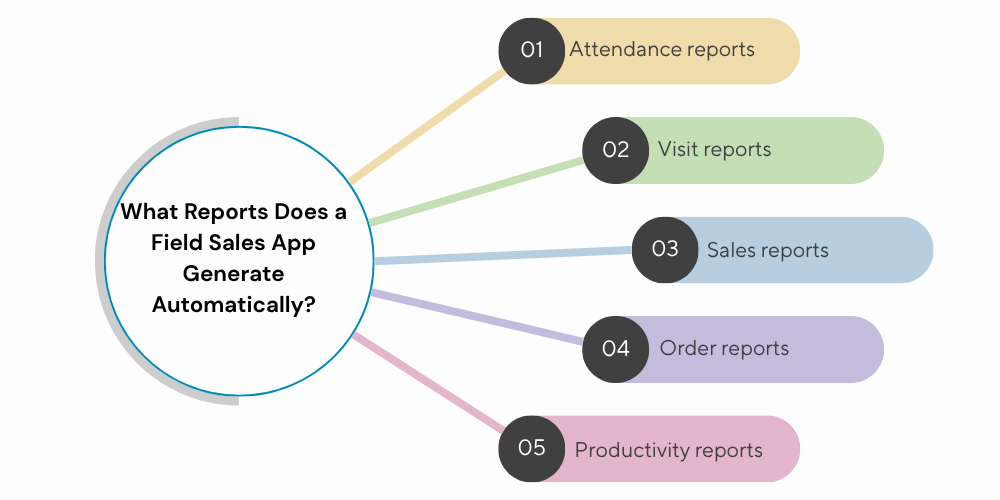
- Attendance reports: Track field force attendance data and improve employee monitoring systems for accountability.
- Visit reports: Provide insights into field visit tracking and enhance sales activity monitoring accuracy.
- Sales reports: Enable sales performance analysis and support revenue tracking systems for better forecasting.
- Order reports: Improve order management visibility and strengthen sales execution tracking workflows.
- Productivity reports: Measure field team productivity and enhance sales performance optimization strategies.
22. How Do Managers Use Field Sales Dashboards for Daily Decision-Making?
Dashboards in sales tracking software provide real-time insights that improve field sales visibility and strengthen sales force automation control for faster decision-making.
Key Uses:
Monitoring attendance: Ensures real-time field workforce tracking, improves sales team accountability systems, and enhances daily operational visibility for managers.
Tracking visits: Enhances field visit monitoring accuracy, supports sales execution management processes, and improves territory-wise field performance tracking systems.
Reviewing orders: Improves order tracking systems, strengthens sales pipeline visibility, and enables better decision-making through real-time sales order insights.
Measuring productivity: Supports sales performance analytics, improves field efficiency tracking systems, and helps managers evaluate individual and team productivity levels.
Identifying exceptions: Detects sales anomalies, enhances real-time decision-making systems, and allows managers to quickly address operational issues effectively.
23. What Is Visit Compliance Reporting and Why Does It Matter?
Visit compliance reporting in field sales management software measures how accurately field teams follow their planned schedules, routes, and assigned customer visits. It is a key part of sales force automation systems, helping organizations ensure discipline, consistency, and accountability in daily field execution.
This reporting is critical because it directly reflects how effectively the sales strategy is being executed on the ground. High visit compliance improves territory coverage accuracy, strengthens sales tracking software insights, and ensures that no customers or outlets are missed in the field.
Ultimately, strong visit compliance leads to better productivity, improved market coverage, and more reliable performance data for decision-making. It also enhances the effectiveness of field sales automation tools by ensuring that planned activities are actually executed in real-world field operations.

24. How Does a Field Sales App Help During Monthly Sales Reviews?
A field sales management software platform significantly improves monthly sales reviews by providing accurate, real-time sales force automation data that replaces manual reporting with structured, reliable insights. It enables managers to evaluate performance objectively using verified field activity and outcome metrics.
With integrated sales tracking software, organizations can analyze territory performance, compare targets vs achievements, and identify execution gaps across teams. This ensures that monthly reviews are data-driven rather than assumption-based, improving decision quality and accountability.
Overall, a field sales app strengthens sales performance analytics, improves visibility into field execution, and helps leadership make faster, more informed decisions for better planning and strategy execution.
25. What Is the Difference Between Activity Data and Outcome Data in Field Sales?
Understanding sales activity tracking versus sales outcome measurement is essential for effective field force automation analytics and performance management.
Activity Data:
- Visits completed: Tracks field visit activity and improves sales execution monitoring.
- Calls made: Measures customer engagement activity and supports sales tracking systems.
- Attendance records: Ensures field workforce monitoring and improves sales accountability systems.
Outcome Data:
- Orders collected: Tracks sales conversion performance and enhances order management analytics.
- Revenue generated: Measures sales revenue tracking and supports business performance analysis.
- New customers acquired: Improves customer acquisition insights and strengthens sales growth strategies.
Both are essential for sales performance optimization and field sales reporting systems.
26. How Do You Use Field Visit Data to Improve Territory Planning?
Field sales analytics software uses visit data to improve territory management efficiency and optimize sales coverage strategies.
Insights Include:
- Coverage gaps: Identifies underperforming regions and improves territory optimization planning.
- Route optimization opportunities: Enhances sales route planning systems and reduces travel inefficiencies.
- High-potential markets: Supports market expansion strategies and improves sales targeting accuracy.
- Resource allocation needs: Improves field force distribution and strengthens sales planning efficiency.
27. What Is a Heatmap in Field Sales and How Is It Used?
A sales heatmap in field sales software is a visual analytics tool that represents field activity intensity across different geographic areas. It helps organizations understand sales force automation data patterns, improve territory management decisions, and enhance overall market visibility for better planning and execution.
Heatmaps convert complex field visit and sales data into easy-to-read visual zones, enabling managers to quickly identify performance gaps, high-activity regions, and underperforming territories. This improves strategic decision-making within field sales management systems and strengthens sales tracking software insights.
Common Uses:
Identifying underserved areas: Improves sales opportunity detection, enhances market expansion planning, and strengthens territory optimization strategies for better coverage.
Analyzing visit density: Supports field activity tracking, improves sales execution insights, and helps evaluate effectiveness of field force automation tools.
Optimizing territory coverage: Strengthens territory management systems, improves resource allocation planning, and enhances overall field sales performance efficiency.
28. How Long Should Field Sales Data Be Stored and Accessible?
Proper sales data management ensures compliance, better analytics, and improved field sales reporting systems for long-term business intelligence.
Recommended Storage:
- Operational data: 1–3 years: Supports daily sales tracking and improves short-term performance analysis.
- Historical analytics: 3–7 years: Enables trend analysis and strengthens sales forecasting systems.
- Compliance records: As required: Ensures regulatory compliance management and improves audit readiness systems.
29. How Do Field Sales Apps Handle Data Privacy for Employee Location?
Modern field force tracking software ensures strict data privacy management and secure handling of employee location tracking systems.
Privacy Features:
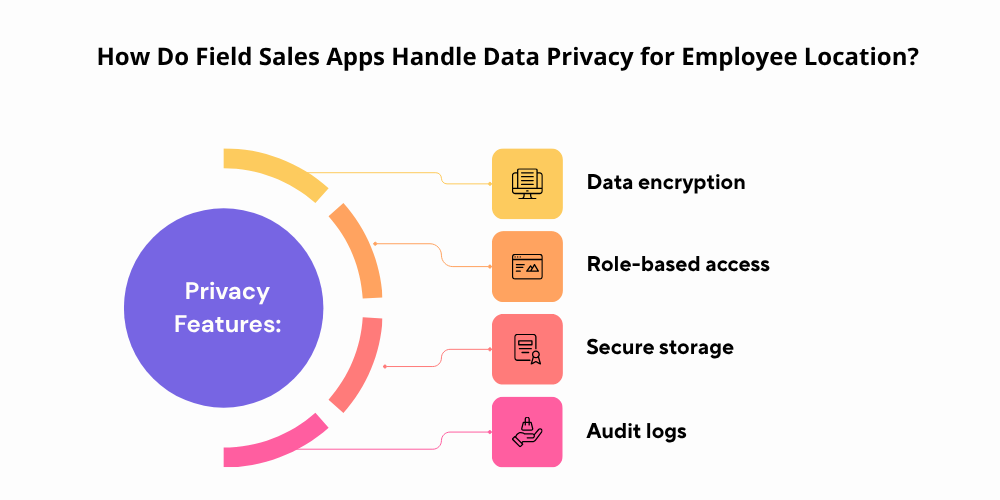
- Data encryption: Protects location tracking data and strengthens sales security systems.
- Role-based access: Ensures controlled data visibility and improves sales data governance.
- Secure storage: Enhances cloud data protection and strengthens field sales security frameworks.
- Audit logs: Tracks system activity monitoring and improves compliance transparency systems.
30. How Do You Export Field Sales Data to Excel or Other BI Tools?
Modern field sales management software and sales force automation systems offer flexible export capabilities that allow organizations to convert raw field data into structured, usable formats for deeper analysis. These exports help teams move beyond in-app dashboards and use tools like Excel or BI platforms for advanced reporting, visualization, and performance tracking. This improves the overall effectiveness of sales analytics workflows and supports more informed decision-making.
By enabling seamless data extraction, field sales tracking software ensures that critical information such as visits, orders, productivity, and territory performance can be analyzed externally without data loss or manual effort. This enhances transparency across teams and allows managers to evaluate performance more efficiently across different time periods and regions.
Additionally, integration with APIs and business intelligence connectors strengthens system interoperability, allowing real-time synchronization with external analytics platforms. This makes it easier for organizations to build advanced sales performance dashboards, automate reporting processes, and improve overall strategic planning using accurate field data.
Advanced Features & Emerging Technology
Technology is rapidly transforming field sales management systems through intelligent sales force automation platforms, advanced analytics, artificial intelligence, and next-generation mobile solutions. These innovations are improving sales execution efficiency, enhancing field visibility tools, and enabling data-driven decision-making across organizations. As businesses adopt smarter field sales software solutions, they gain better control over operations, improved productivity, and stronger forecasting accuracy.
The following FAQs explore how emerging technologies are shaping the future of field sales automation systems and modern sales operations.
31. What Is AI's Role in Field Sales Management Today?
Artificial Intelligence in field sales software is transforming decision-making through advanced sales force automation intelligence and real-time predictive sales analytics, improving efficiency and field execution accuracy.
Applications Include:
- Route optimization: Enhances AI-based route planning and improves field force travel efficiency.
- Sales forecasting: Strengthens predictive sales analytics and improves revenue forecasting accuracy.
- Productivity analysis: Enables sales performance tracking and improves field workforce efficiency insights.
- Performance recommendations: Supports AI-driven sales coaching and improves field sales optimization strategies.
32. How Do Field Sales Apps Handle Multi-Language Support for Diverse Teams?
Multi-language capability in mobile sales apps improves field sales adoption rates and enhances sales force automation usability across diverse workforce environments.
Benefits:
- Easier training: Improves sales onboarding process and strengthens field workforce learning experience.
- Faster adoption: Enhances field sales software usability and improves sales automation rollout success.
- Better user experience: Strengthens mobile sales app engagement and improves field team productivity tools effectiveness.
33. What Is the Role of Photo Capture in Field Sales Visit Verification?
Photo capture in field sales tracking software improves visit verification systems and strengthens sales force accountability mechanisms through visual proof of execution.
Common Uses:
- Outlet verification: Ensures retail outlet validation and improves field visit accuracy tracking.
- Merchandising audits: Strengthens in-store execution monitoring and improves sales compliance tracking.
- Display compliance: Enhances retail execution verification and improves brand visibility audits.
- Proof of visit: Strengthens field force accountability and improves sales reporting accuracy systems.
34. How Does a Field Sales App Support Van Sales vs. Pre-Sales Models?
A field force automation platform supports both van sales operations and pre-sales workflows, improving efficiency across different sales execution models.
Van Sales Features:
- On-the-spot billing: Enables real-time invoicing systems and improves mobile sales operations efficiency.
- Inventory management: Strengthens stock tracking systems and improves sales distribution control.
- Delivery tracking: Enhances logistics visibility and improves order fulfillment monitoring systems.
Pre-Sales Features:
- Order booking: Supports sales order management systems and improves customer order accuracy.
- Route planning: Strengthens field route optimization and improves territory coverage efficiency.
- Distributor fulfilment: Enhances supply chain coordination and improves order processing workflows.
35. What Is Dynamic Beat Planning and How Does It Work?
Dynamic beat planning in field sales management software optimizes territory scheduling systems using real-time data to improve sales execution efficiency.
Benefits:
- Improved efficiency: Enhances field force productivity and improves sales route optimization systems.
- Better resource utilization: Strengthens sales territory allocation and improves workforce planning efficiency.
- Increased productivity: Enhances field sales performance and improves execution consistency across teams.
36. How Do Field Sales Apps Help with In-Store Execution Compliance?
Field sales tracking systems ensure consistent retail execution compliance and improve sales visibility in physical outlets through structured monitoring.
Compliance Areas:
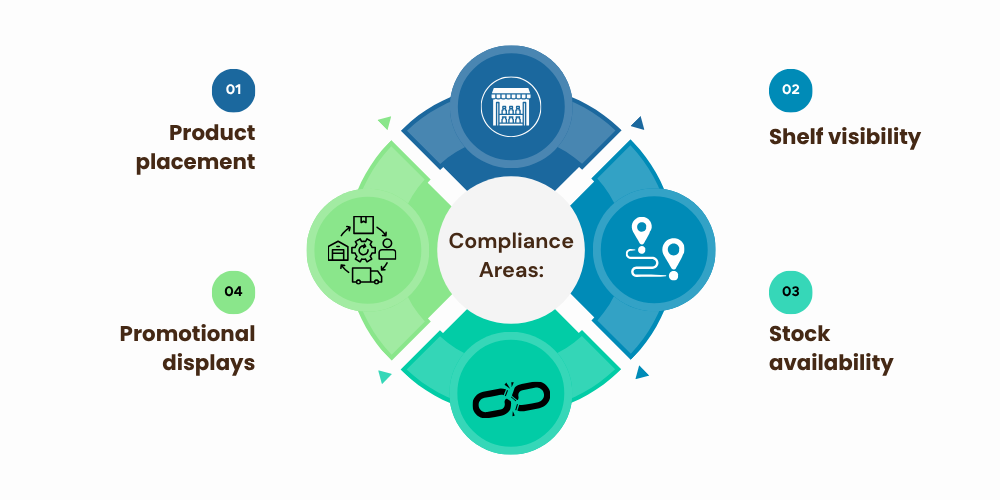
- Product placement: Improves merchandising compliance tracking and enhances in-store execution accuracy.
- Promotional displays: Strengthens retail campaign monitoring and improves brand visibility execution.
- Shelf visibility: Enhances store audit systems and improves sales execution consistency.
- Stock availability: Improves inventory monitoring systems and strengthens retail supply management.
37. Can Field Sales Apps Integrate with WhatsApp for Team Communication?
Yes, modern field sales management software and sales force automation platforms often integrate with WhatsApp to improve real-time communication and streamline field team coordination. This integration enables faster information sharing between field reps, managers, and support teams, reducing delays in decision-making and improving overall execution efficiency.
By connecting field sales tracking systems with WhatsApp, organizations can automate alerts, share order updates, send visit confirmations, and provide instant notifications directly to field agents. This enhances responsiveness, improves collaboration, and ensures that critical sales updates are communicated without switching between multiple tools.
Overall, WhatsApp integration strengthens field sales communication workflows, improves team productivity, and enhances the effectiveness of mobile sales app ecosystems by enabling seamless, real-time collaboration across distributed sales teams.
38. What Is the Difference Between Real-Time Tracking and Periodic Tracking?
Field sales GPS tracking systems offer both real-time and periodic tracking, improving sales visibility tools and field workforce monitoring systems.
Real-Time Tracking:
- Continuous location updates: Enables live field tracking systems and improves sales visibility accuracy.
- Immediate visibility: Strengthens field force monitoring and improves real-time decision-making systems.
Periodic Tracking:
- Scheduled location updates: Supports interval-based tracking systems and improves data efficiency management.
- Lower battery consumption: Enhances mobile device optimization and improves app performance efficiency.
39. How Do Field Sales Apps Support New Product Launches in the Market?
Field sales software platforms improve product launch execution through structured sales distribution systems and enhanced market feedback collection tools.
Launch Support:
- Product training: Strengthens sales team readiness and improves product knowledge distribution systems.
- Retail audits: Enhances store launch tracking and improves market execution monitoring.
- Stock tracking: Improves inventory visibility systems and strengthens product availability management.
- Market feedback collection: Enhances customer insight gathering and improves product performance analytics.
40. What Is the Future of Field Sales Technology in the Next 5 Years?
The future of field sales automation software will be driven by advanced AI-powered sales systems and intelligent data-driven field operations platforms.
Emerging Trends:
- AI-powered automation: Enhances intelligent sales systems and improves decision automation workflows.
- Predictive analytics: Strengthens forecasting accuracy tools and improves sales planning systems.
- Voice-enabled reporting: Improves hands-free field reporting and enhances mobile usability systems.
- Advanced route optimization: Strengthens AI route planning tools and improves field efficiency systems.
- Deeper ERP integration: Enhances enterprise system connectivity and improves sales data synchronization platforms.
Organizations that adopt these innovations will achieve higher sales productivity, improved field visibility systems, and stronger competitive advantage in sales automation ecosystems.
Conclusion
Field sales technology is a major driver of sales force automation systems, improving productivity, visibility, and business growth. From choosing the right field sales management software to implementation and AI-driven analytics, every step enhances field sales performance.
Organizations using modern sales tracking software and field automation tools gain better customer coverage, faster reporting, and improved decision-making. As digital transformation grows, businesses adopting these tools stay more competitive and efficient.
Ready to Modernize Your Field Sales Operations?
Discover how Delta Sales App helps automate field sales, improve productivity, and provide real-time visibility.
Book a Free Demo Today and experience smarter field execution with Delta Sales App.